Best Architecture WordPress Themes in 2026: Free vs Multipurpose vs Niche
Compare the three kinds of architecture WordPress themes in 2026: free, multipurpose and niche. See what each does well, where it falls short, and which fits your practice.
Searching for the best architecture WordPress themes usually ends with a long list of names and very little help deciding. This guide takes a different approach. Instead of ranking random themes, it compares the three kinds of themes architects actually choose from in 2026: free themes, multipurpose themes and themes built only for architecture and interior studios. You will see what each type does well, where it falls short, and which one fits your practice.
If you already know you want a niche theme and just need a checklist, read our guide on what to look for in the best WordPress theme for architects.
The three types of architecture WordPress themes
| Type | Best for | Main limitation |
|---|---|---|
| Free themes | A simple one-page site on a tight budget | No project system, few layouts, limited support |
| Multipurpose themes | Agencies that build many kinds of sites | Heavy, with hundreds of options you will never use |
| Niche architecture themes | Architects, interior designers, construction and visualization studios | Fewer demos outside the architecture niche |
1. Free architecture WordPress themes
Free themes from the WordPress.org directory are a fair place to start if you only need a homepage, a few photos and a contact form. They are lightweight and receive security updates.
Their weakness shows as soon as your portfolio grows. Most free themes have no dedicated project post type, no project categories and no case-study layout, so you end up forcing projects into blog posts. Demo content is minimal, and support is usually a public forum.
- Choose free if you are a student, a freelancer with two or three projects, or you only need a placeholder site.
- Skip free if clients will judge your practice by the website.
2. Multipurpose themes
Multipurpose themes promise to build any kind of website: shops, restaurants, agencies and architecture studios. They come with dozens or hundreds of demos and a very large options panel.
That flexibility has a cost. Pages load extra scripts for features you do not use, settings are spread across many panels, and the architecture demo is often one of many rather than a carefully designed product. They suit web agencies more than design studios.
- Choose multipurpose if you build sites for many industries and want one theme for all of them.
- Skip multipurpose if you want a focused, fast portfolio that is easy to update.
3. Niche architecture and interior design themes
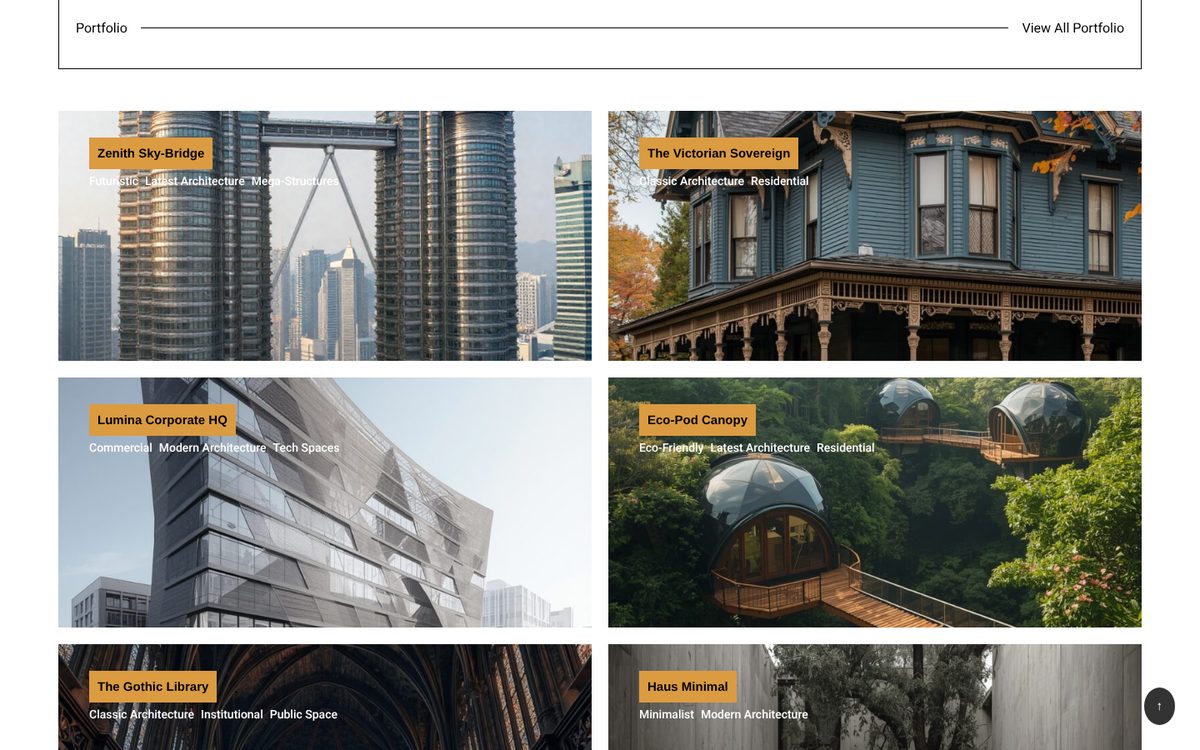
Niche themes are designed around how studios present work. Projects, team members and services are first-class content, layouts are built for large images, and the demos look like real architecture practices from the first click.
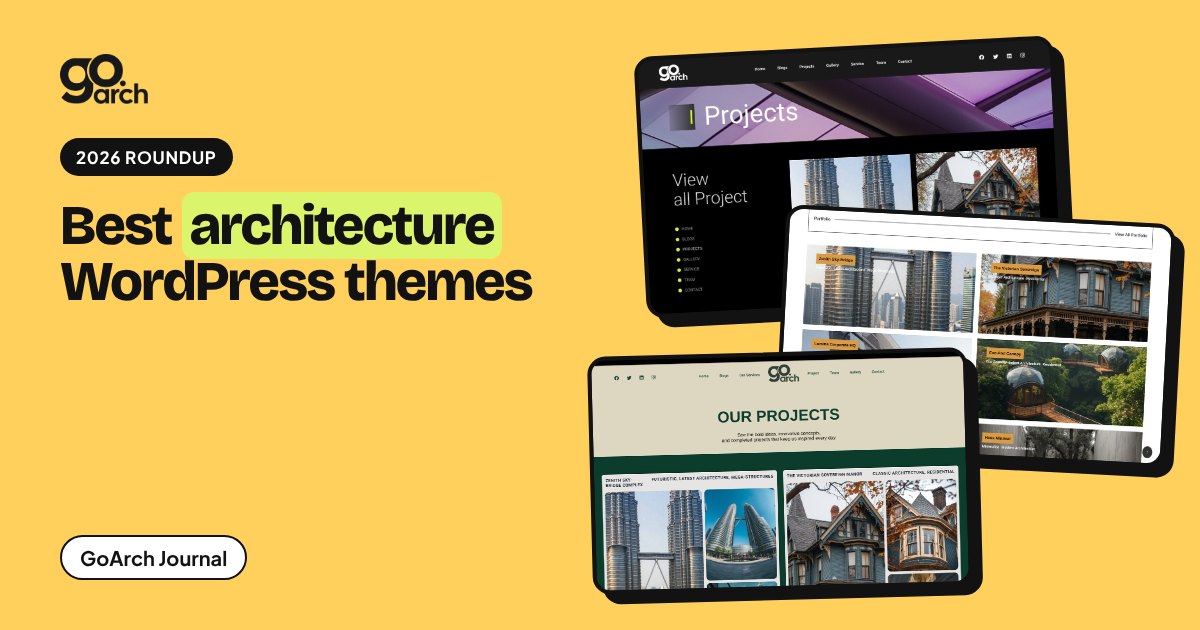
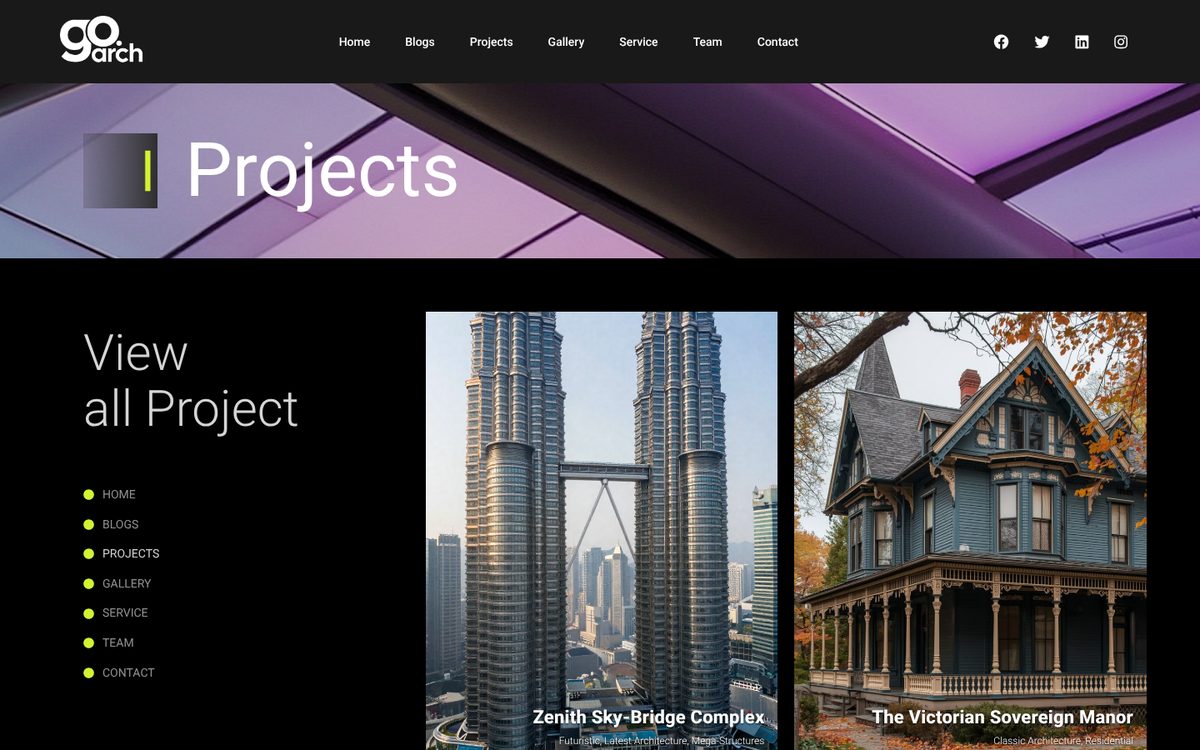
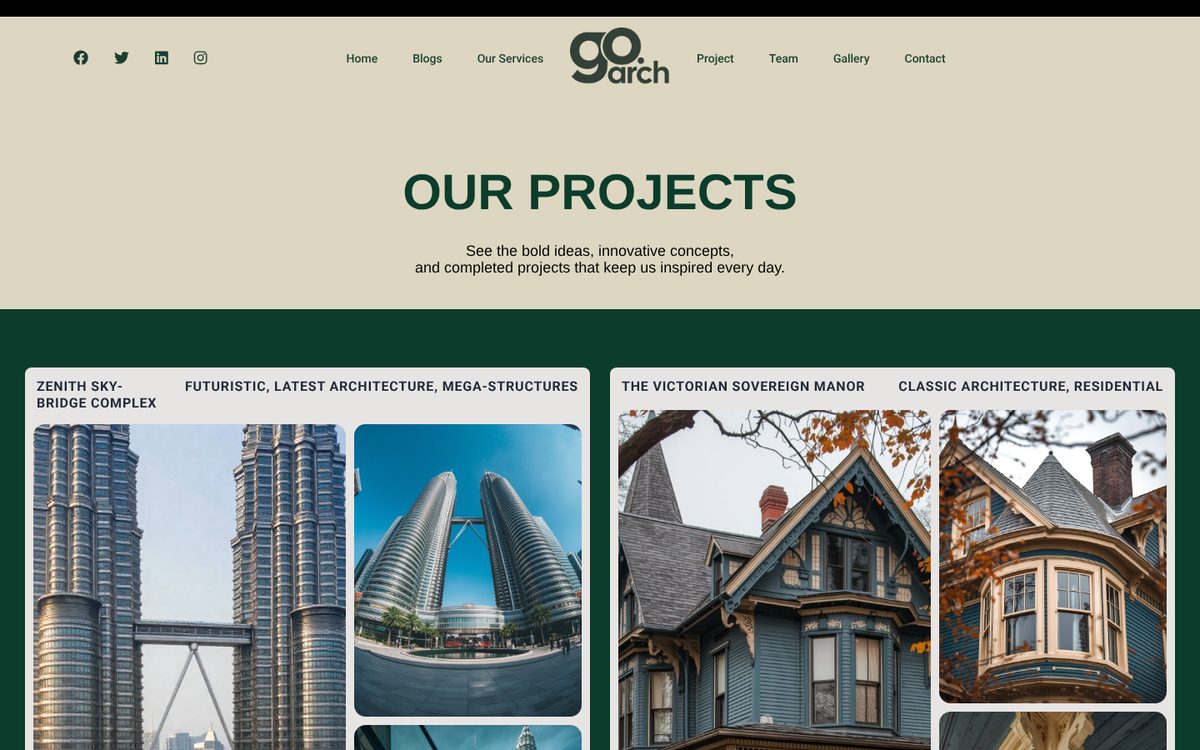
This is the category GoArch belongs to. It registers Projects, Team and Services as separate content types with their own categories, offers 12 archive and 12 single layouts, and ships with three complete demos that you import in one click.
- Choose niche if you are an architect, interior designer, landscape studio, construction firm or 3D visualization studio.
- Skip niche if you need one theme for unrelated businesses.
What the best architecture themes have in common
Whichever type you pick, compare themes against these points before you buy.
- A real project system with categories, archive pages and detailed single pages.
- Image-first layouts: full-width sliders, tall project tiles and galleries.
- A visual page builder such as Elementor, so you can edit without code.
- Complete demos you can import, not empty templates.
- Speed: a modern framework and options to optimize images and scripts.
- Translation support with WPML or Loco Translate if you work in more than one language.
- Documentation and support from the people who built the theme.
Where GoArch fits
GoArch 2.0 is a niche theme built for architecture and interior studios. Here is how it maps to the checklist above:
- Projects, Team and Services post types, each with categories and its own layouts
- 29 custom Elementor widgets, including a main slider, project and portfolio grids, team, testimonials, price table, Google Map and contact form
- Three one-click demos: Classical, Organic & Interior and Masterplanning
- 6 headers, 4 footers and 5 menu styles, all set from Theme Options
- Bootstrap 5.3, lazy-loaded images and built-in site optimization settings
- WPML and Loco Translate compatibility, plus step-by-step documentation
Pick the theme that matches how you present your work today, and how many projects you will show in two years.
GoArch design notes
Free vs premium: is a paid theme worth it?
For a practice that wins clients through its portfolio, usually yes. A premium niche theme saves days of layout work, includes demo content, and comes with support and updates for new WordPress versions. GoArch includes 6 months of support from the developers, extendable to 12 months on ThemeForest, and free updates.
Frequently asked questions
Which is the best architecture WordPress theme?
The best one is the theme that fits your type of practice. Studios that present many projects should choose a niche architecture theme with a real project system. A small freelancer can start with a free theme and move up later.
Do architecture themes work with Elementor?
Many do. GoArch is built for Elementor and adds 29 widgets made for design studios, so you edit every page visually.
Can I switch themes later?
Yes, but your layouts will need rebuilding. Choosing a theme with a proper project system from the start saves that work.
Can someone build the site for me?
Every GoArch buyer can have our team build the complete website with their own content for $200*. See the offer. *Terms and conditions apply.
Next, read how to build an architecture portfolio website step by step, or explore the GoArch demos.
Part of the GoArch team at The Black Pearls Pro, building WordPress themes for architects and interior studios.