How Can We Help?
General Settings
GoArch Theme Options Overview
The GoArch WordPress theme, designed for architecture and interior sites, features a dedicated Theme Options panel for customization. Access it via Appearance > Theme Options in your WordPress admin dashboard. This panel includes tabs like General, where core site behaviors are configured.
General Tab Settings
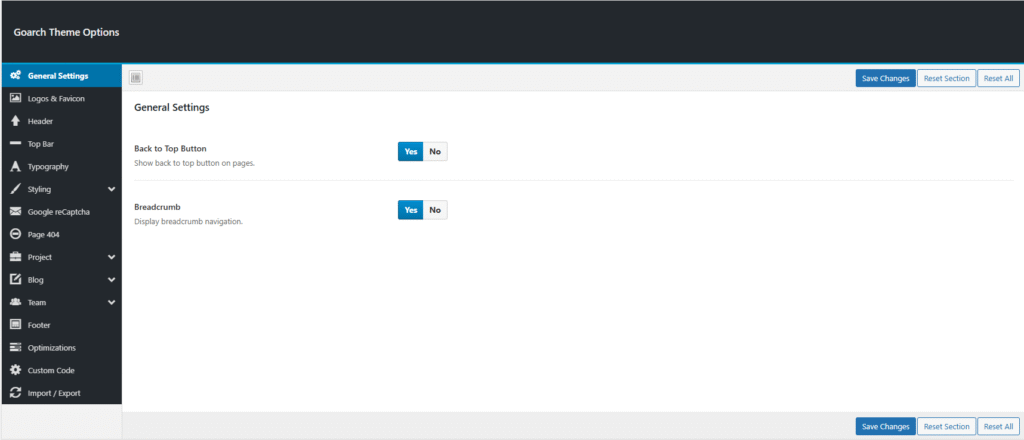
The General tab controls foundational elements shown in the screenshot. Key options include toggles for enabling Back to Top button (Yes/No) and Breakpoint animations (Yes/No).
- Back to Top: Activates a floating button for quick page scrolling to the header; ideal for long architecture portfolios.
- Breadcrumbs: Breadcrumbs display a trail of links (e.g., Home > Projects > Current Page) above content, improving user navigation and SEO for architecture portfolios. Set to Yes to activate on pages/posts; No hides them entirely.
Save changes with the blue Save Settings button at the bottom. The left sidebar lists additional tabs such as Style, Header, and Footer for further tweaks.